Guide
Getting Started
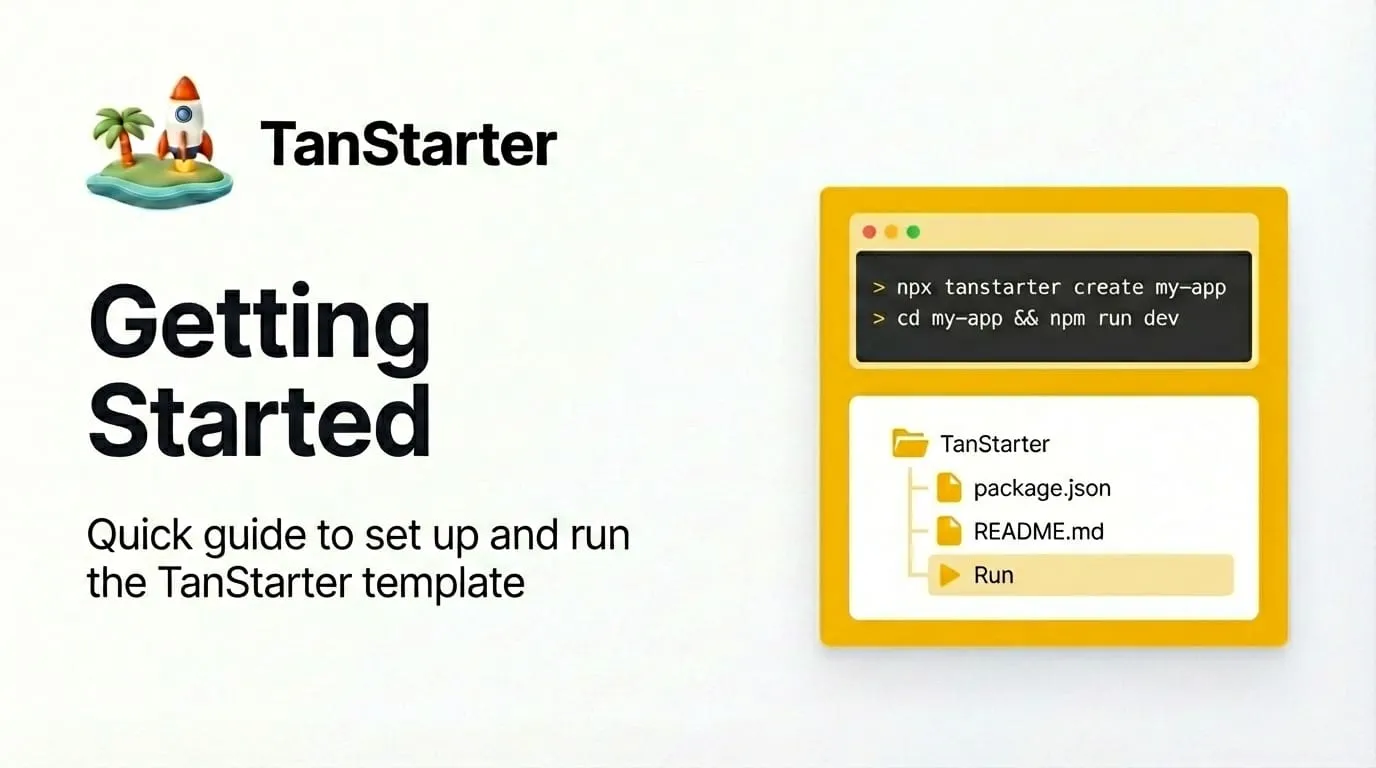
Quick guide to set up and run the TanStarter template.
This post walks you through the basics of running and customizing the TanStarter template.
Prerequisites
- Node.js 18+
- pnpm (or npm / yarn)
Steps
Install dependencies and run the dev server:
pnpm install
pnpm dev
Open http://localhost:3000 in your browser.
Blog posts live in content/blog/ as Markdown files. The collection is defined in content-collections.ts with fields: title, description, date, category, content, and image. The slug is derived from the file path (e.g. getting-started.md → getting-started).
Next steps
- Toggle the blog and set pagination in
src/config/website.tsunderblog.enableandblog.paginationSize. - Add more posts under
content/blog/; they will show up on the blog list and in the route/blog/$slug. - Customize the layout and blocks in
src/components/blocks/andsrc/routes/as needed.